Customer Communication and Contact Center for HubSpot
Integrate your business communication (Cisco CUCM, Webex Calling) and high-volume contact center operations (Cisco UCCE, PCCE, UCCX, Webex, Genesys or Expertflow) directly within HubSpot.
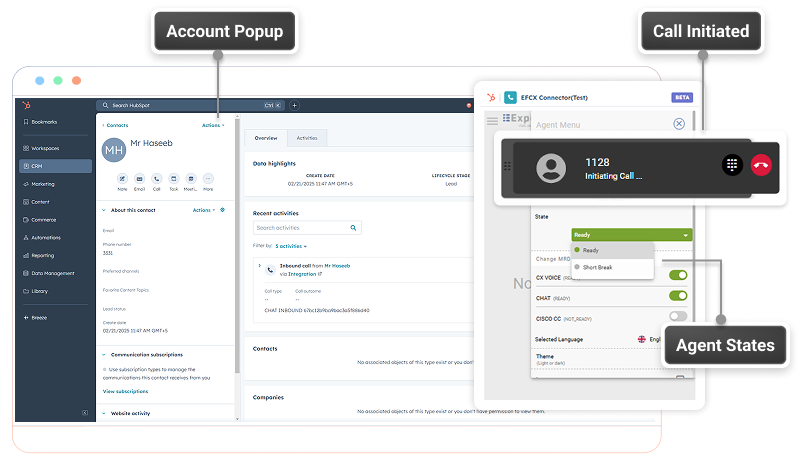
Customer profiles automatically pop up for incoming calls or chat sessions, or as defined in an outbound campaign. Manage agent availability and omnichannel media (voice, video, chat) directly within HubSpot. Agents login to the CRM only.
Affordable AI-Assistance and Analytics
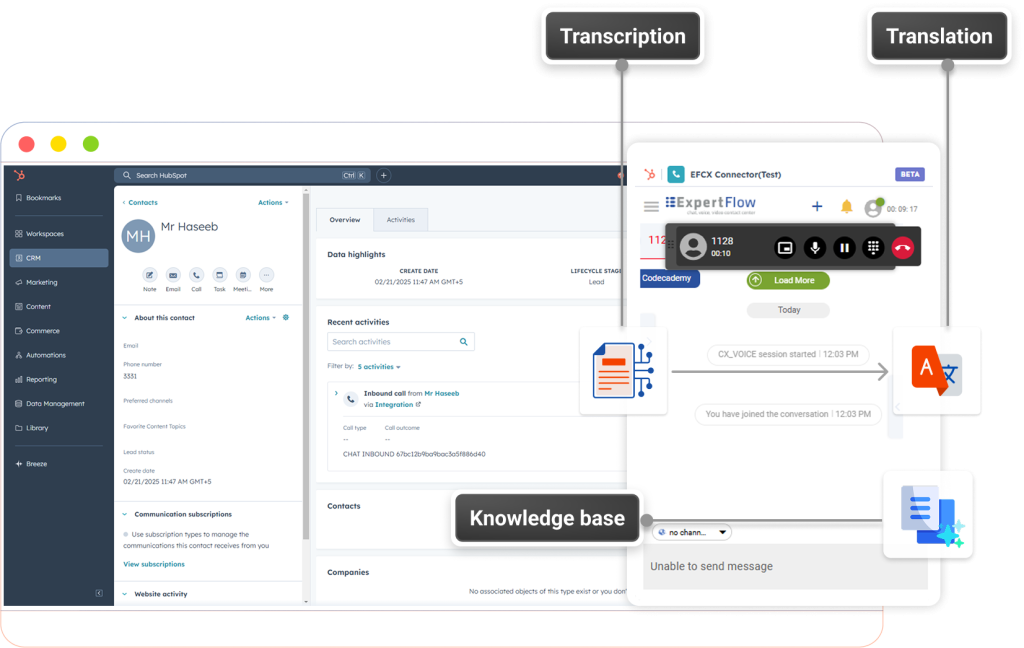
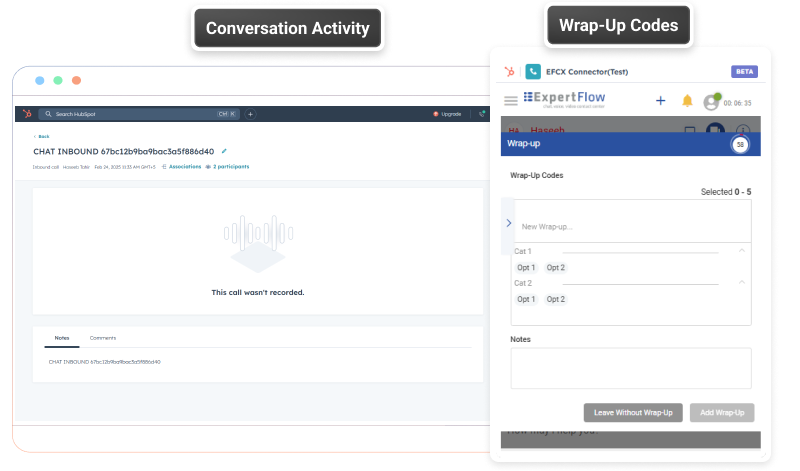
Equip agents with AI copilots for real-time transcription, translation, answer suggestions, biometrics, wrap-up codes and summaries. Expertflow allows you to run these tasks in your private cloud, potentially reducing AI cost by up to 90%. We stream voice traffic in real-time to the AI of your choice and the results back to the agent’s CRM interface
Chat blending for High Volumes
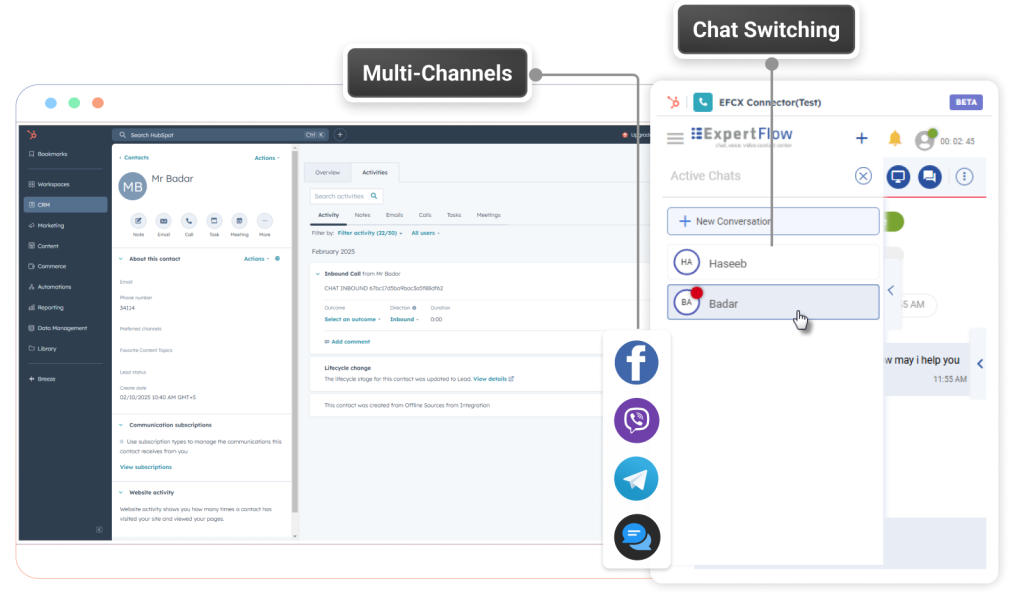
Enable push routing and channel blending. Consolidate reports across WhatsApp, SMS, Facebook, Viber, Telegram, voice and video and eliminate per-message costs. Eliminate limitations of pull-based inboxes, and prevent chat sessions from being interrupted by voice calls. Consolidated reports across all channels without extra reporting software licenses.
Private Web Phone
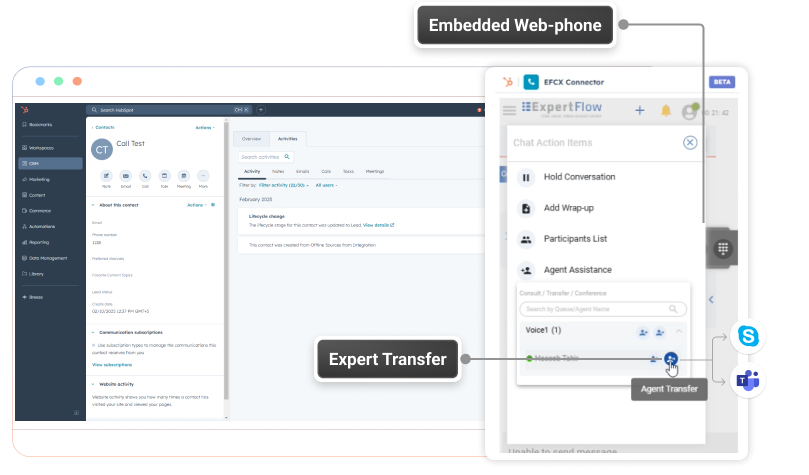
A browser-based alternative to Jabber or Webex App that doesn’t require public internet access.
Transfer to subject matter experts (SME)/ Attendant Features
Agents can transfer live conversations from HubSpot to SMEs working with Microsoft or Webex Teams.
Interaction History and Recordings
Attach voice recordings, chat transcripts and summaries to the HubSpot customer interaction history.