| CTI Integration |
|
|
|
|
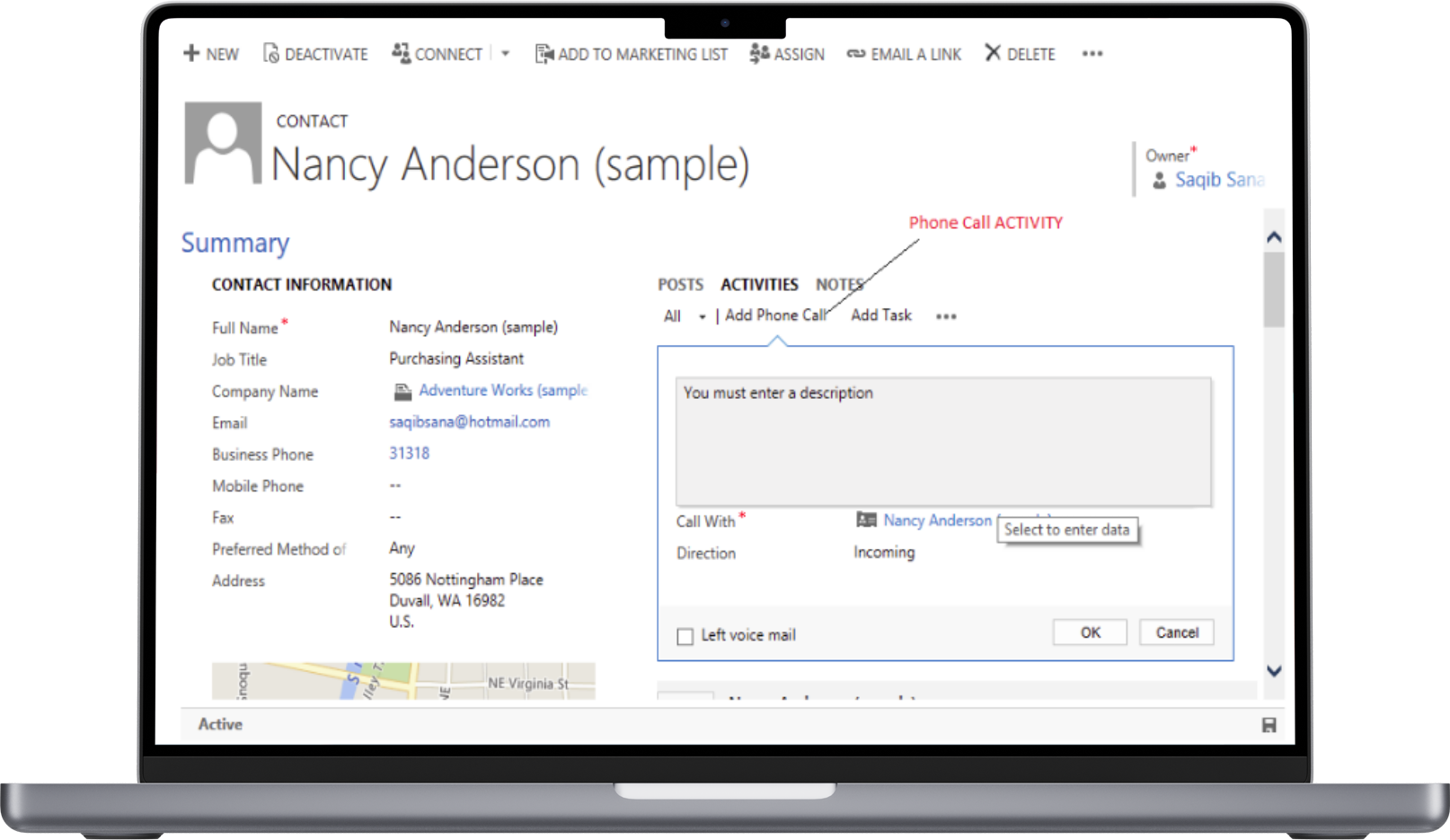
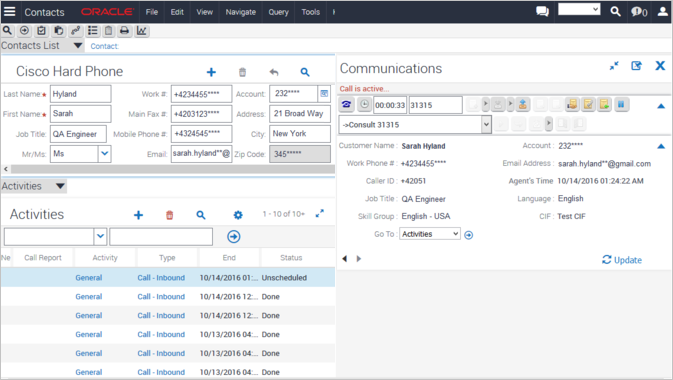
Expertflow has deployed CTI connectors to various CRM applications. The agent can change his status (login/ logout, ready/not ready, accept/reject/transfer/conference call), and the caller's information (based on his phonenumber or a customer number that the caller enters in the IVR dialogue) is then displayed in the CRM application. Some of the deployed CRM integrations include the following:
If your CRM application is not listed above, we can develop a customized connector for your application. A discussion on how to do screen-popup can be found here, and a discussion on how to do Voice Selfservice with your CRM application can be found here. Integrating your CRM tool (for example Microsoft Dynamics CRM) and the Cisco Callcenter increase the capabilities and reach of these two tools. There are several points where you an integrate, each having it's own use case:
The information following in this page discusses the second use case, ie how to generate screen-popup on the agent's screen. Option 1: The Callcenter CTI application controls the CRMIn this option, the Callcenter CTI application (Cisco CAD) works as a main controlling application and invokes CRM pages on CTI events like ringing, answered etc. This option is cost-effective and secure, but allows for a unidirectional communication from the CTI to the CRM only.
Option 2: The CRM application controls the CTI toolbar of the callcenterA CRM connector makes the CRM the master application, and the CTI toolbar will be embedded in the CRM application. The agent logs into the CRM application that automatically logs in the agent to the callcenter. The agent can see the CTI toolbar on the CRM, while browsing the CRM application exactly as a regular CRM user. This is a very powerful way if integrating, and requires only minimal training on the part of the agent, as he still only has one application on his desktop - the CRM.
Interested? Contact us via chat for a free online WWW-based demonstration of CRM integration options by one our consultants!
|